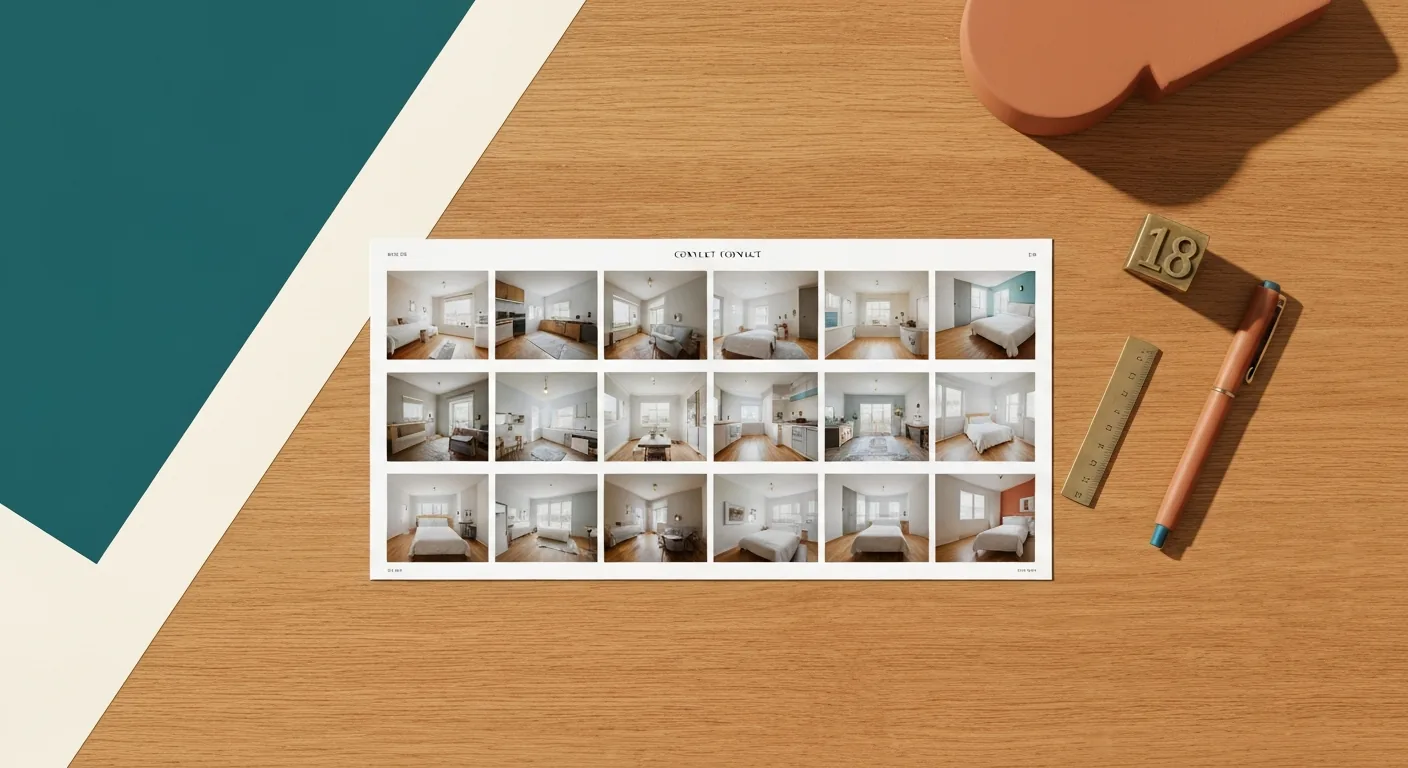
How Many Photos Should an MLS Listing Have? 2026 Limits by Major MLS
Most major MLSs let you upload 25 to 50 photos in 2026, but the honest answer for new agents is 18 to 25 high-quality images. Here's every major MLS limit + what to actually shoot.
How many photos should an MLS listing actually have?
The honest answer: 18 to 25 high-quality photos beats 50 mediocre ones. Most major MLSs in 2026 let you upload between 25 and 50 photos. That's a ceiling, not a target. New agents who max out the count almost always include redundant angles or low-light shots that hurt the listing more than the empty slots would.
This guide gives you:
- Every major MLS photo limit, current as of 2026
- The 18 essential photos every listing needs
- Why "use the maximum" is bad advice
- What to shoot in slots 1, 2, 3 (these matter most)
Major MLS photo limits — 2026
| MLS | Coverage area | Photo limit | Notes |
|---|---|---|---|
| Bright MLS | Mid-Atlantic (DC, MD, VA, PA, DE, NJ, WV) | 30 | Up from 25 in 2024 |
| CRMLS (California Regional) | Most of California | 35 | First 3 are the listing thumbnail rotation |
| Stellar MLS | Florida (central + west) | 50 | Highest in the industry |
| NWMLS (Northwest) | Washington state | 50 | Plus 1 floor plan slot |
| MIBOR | Indianapolis metro | 36 | — |
| Realtracs | Tennessee | 30 | — |
| Bay East / SDMLS | Bay Area / San Diego | 35 (Bay East), 50 (SDMLS) | Both California, different limits |
| MRED | Chicago metro | 36 | Plus 1 video URL slot |
| HAR (Houston Area) | Greater Houston | 36 | — |
| GAMLS / FMLS | Georgia | 50 (GAMLS) / 36 (FMLS) | Many Atlanta agents list in both |
| Canopy MLS | Carolinas | 30 | — |
| Triangle MLS | NC Research Triangle | 30 | — |
| REIN | Hampton Roads, VA | 30 | — |
| New England (MLS PIN) | MA, NH, RI, ME | 36 | — |
| TREB | Toronto, Canada | Unlimited (40 recommended) | Different schema than US MLSs |
| CREB / CREA national | Canada national feed | 30 | Provincial boards may differ |
Verify before relying on this table for your jurisdiction — MLS rules change quarterly. The numbers above reflect 2026 Q1 publishing rules; your local board may have an updated cap. Always cross-reference with your local MLS portal or your broker's compliance officer.
Why "use the maximum" is bad advice
Maxing out your photo count feels like value. It isn't.
Buyers don't read listings — they scan them. Median attention on a single listing on Zillow is under 4 minutes, and roughly 60% of that attention lands on the first 8 photos. By photo 20, most buyers have already decided whether they want a tour. By photo 35, you're optimizing for nobody.
What maxing out actually does:
- Dilutes the strong shots. A great kitchen photo in slot 3 hits harder than the same photo buried behind 15 angles of the same room. Repetition reads as desperation.
- Surfaces your weakest images. Most agents shoot 50 photos to fill 50 slots — meaning the bottom 30 are usually phone snaps in bad light. Buyers don't ignore them; they downgrade their impression of the whole listing.
- Confuses spatial understanding. Five photos of the same bedroom from slightly different angles makes the room feel small (because the buyer can't piece together the geometry). One wide, well-composed shot does the opposite.
- Hurts your MLS share rate. Listings with 18–25 high-quality photos get shared more often via the MLS native share buttons than listings with 40+. Long photo sets discourage forwarding.
The math is simple: photo #26 onward is, on average, hurting your listing. If you wouldn't include it in the first 18, don't include it at all.
The 18-photo essential set
If you can only ship 18 photos, ship these. In this order:
- Hero exterior — front of house, ideally golden hour, no cars in driveway
- Kitchen wide — full kitchen from the entry, counters cleared
- Living room wide — primary gathering space, lights on, blinds open
- Primary bedroom — bed made, nightstands clear, drapes open
- Primary bathroom — toilet lid down, towels straight, no products visible
- Secondary living area — dining room, family room, sunroom (whichever is more impressive)
- Kitchen detail — focus on one upgrade (countertop, range, island)
- Backyard / outdoor space — from the angle that shows the most usable area
- Secondary bedroom — only your best one; skip kids' rooms with personal items
- Secondary bathroom
- Entryway or foyer — first impression on tour
- Laundry / mudroom — if upgraded or generously sized
- Garage interior — if 2+ car or built-out (skip if standard)
- Best architectural feature — fireplace, built-ins, exposed beams, view from a window
- Floor plan — single sheet, clean, with room labels (huge engagement driver)
- Property at dusk OR twilight backyard — twilight shots get 2x the click-through of daytime equivalents
- Neighborhood context — one shot of street or amenity, only if it adds value (skip if generic suburb)
- Aerial / drone — only if the lot or location warrants it; otherwise drop and stop at 17
Skip: extra angles of rooms already covered, closets (unless walk-ins), tight bathroom shots that show toilets prominently, anything blurry, anything you'd be embarrassed by on a competitor's listing.
Photo order matters more than count
The MLS displays photos in the order you upload them. The first 3 photos appear in syndication thumbnails on Zillow, Realtor.com, Redfin, and almost every IDX feed.
Internal Redfin engagement data (cited in their 2024 listings report) showed that the order of photos 1–3 influences click-through more than the total photo count. Specifically:
- Photo 1 (the thumbnail) drives the click-or-skip decision in feed scroll. Hero exterior wins for traditional homes; best interior wins for condos or unique architecture.
- Photo 2 sets the buyer's first interior expectation. Kitchen is the safe bet — it's the room most buyers prioritize.
- Photo 3 confirms the listing is worth a deeper look. Primary bedroom or main living space — whichever is more impressive.
After slot 3, photo influence diminishes quickly. The buyer is now in the listing, deciding whether to save or tour. Slots 4–8 carry the rest of the case. Slots 9–18 fill in detail and close objections (kitchen close-up, floor plan, outdoor space).
The takeaway: spend more time on photo order than on adding photo #26.
Photo quality beats photo count
You can ship 18 mediocre photos or 18 great photos — the MLS limit is the same.
The difference between the two is mostly pre-shoot prep and post-processing, not equipment. Our 12-point listing-photo checklist covers the prep side — what to clear, when to shoot, where to stand. Most "flat" listing photos fail one of four root causes documented in why your listing photos look flat — and three of those four are fixable in post.
For new agents, the highest-leverage move is usually:
- Prep the property properly (checklist above)
- Shoot 25–30 photos to give yourself selection room
- Pick the best 18 and enhance them properly (lighting balance, sky replacement, color correction)
- Ship those — not the other 32
If you don't have time to do the prep + enhancement yourself, our Photo Pack is $49 for 8 enhanced photos delivered in 24 hours, with compliance disclosure baked in for any AI-enhanced edits per California AB 723 and NAR 2026 Code.
Common questions
Can I exceed my MLS's photo limit? No. The MLS enforces the cap at upload — extra photos are silently truncated or the submission is rejected entirely. Some MLSs (NWMLS, Stellar) allow a separate floor-plan slot that doesn't count against the photo limit; check your local rules.
Do photo limits include floor plans? Usually no. Floor plans typically get their own dedicated slot (separate from photo count). Same for video URLs. Confirm with your MLS portal — rules vary by board.
How many photos do Zillow, Realtor.com, and Redfin actually display? All three display every photo your MLS feeds them, but their UIs lazy-load past photo 6–8 (Redfin) or 10–12 (Zillow). Buyers on mobile see the first 3 in the listing card and the first 12 in the gallery before tapping "see more." So slot 1–12 carry 90% of the engagement weight.
Should I upload all available slots or stop at 18? Stop at 18 if those are your only good shots. Add 19–25 only if each adds genuinely new information (different room, different angle that shows scale, key feature close-up). Past 25, you're hurting the listing more than helping.
How are virtually staged photos counted toward the limit? Each staged photo counts as one photo. Per California AB 723 and NAR 2026 Code, every virtually staged image must carry an on-image disclosure label AND a caption noting the staging. See our MLS virtual staging disclosure rules guide for the state-by-state breakdown.
What's the best photo resolution for MLS upload? Most MLSs accept up to 4MB per photo and 3000×2000 pixels. Don't upload at maximum — most MLSs re-encode to 1024×768 anyway. Sweet spot: 2048×1365 (3:2 ratio) at JPEG quality 85, ~500KB per file. Faster upload, no visible quality difference in the buyer-facing display.
Related reading
- The 2026 Real Estate Listing Assets Playbook for New Agents — Pillar guide covering photos, staging, copy, social, and compliance end-to-end
- The 12-Point Listing-Photo Checklist Before You Send Anything — Pre-shoot prep so the photos you take are worth uploading
- Real Estate Listing Photo Costs in 2026: Photographer vs AI vs DIY — Cost breakdown if you're deciding whether to hire out
- Why Your Listing Photos Look Flat (And the 4 Fixes That Work) — Diagnostic for photos that technically meet the count but fail the engagement test
- MLS Rules for Virtually Staged Photos in 2026 — If any of your slots will be staged, the disclosure rules vary by MLS
Want listing-ready photos in 24 hours?
If you're a new agent shipping your first 5 listings, the gap between 18 great photos and 50 mediocre ones is what separates a fast accepted offer from a 60-day price reduction. We deliver enhanced photos (Photo Pack, $49), staged rooms ($99), or the full listing kit with copy and social posts ($249) — all in 24 hours, compliance baked in for AB 723 + NAR 2026.
See pricing → · First listing 50% off with code FIRST50.